

Imagine a customer buys your product, thrilled with their purchase, but then… silence. No follow-up, no thank-you, no connection. This missed opportunity can cost you loyalty and sales. Automating email workflows for post-purchase follow-up changes that. It builds trust, encourages repeat purchases, and saves time. As a small business owner, I learned this the hard way when customers drifted away after sales. By automating emails, I turned one-time buyers into loyal fans. This article explores how automating email workflows for post-purchase follow-up creates meaningful customer relationships. According to HubSpot, 80% of customers want personalized post-purchase communication. Let’s dive into why automation is a game-changer and how to do it right.
Why Post-Purchase Follow-Up Matters
Post-purchase follow-up is more than a courtesy; it’s a strategy to nurture customer relationships. When buyers feel valued, they’re more likely to return. However, manually sending emails is time-consuming and prone to errors. Automating email workflows for post-purchase follow-up ensures timely, consistent communication. For example, a thank-you email right after purchase sets a positive tone. Follow-ups with product tips or discounts keep customers engaged. Research by McKinsey shows personalized emails increase transaction rates by 15–20%. Automation makes this scalable without overwhelming your team.
Additionally, follow-ups reduce buyer’s remorse. A well-timed email reassures customers about their decision, boosting satisfaction. My e-commerce store once struggled with cart abandonment. After automating follow-up emails, I saw a 10% increase in repeat purchases. Automation lets you focus on strategy while the system handles delivery. It’s efficient and builds trust effortlessly.
Benefits of Automating Email Workflows
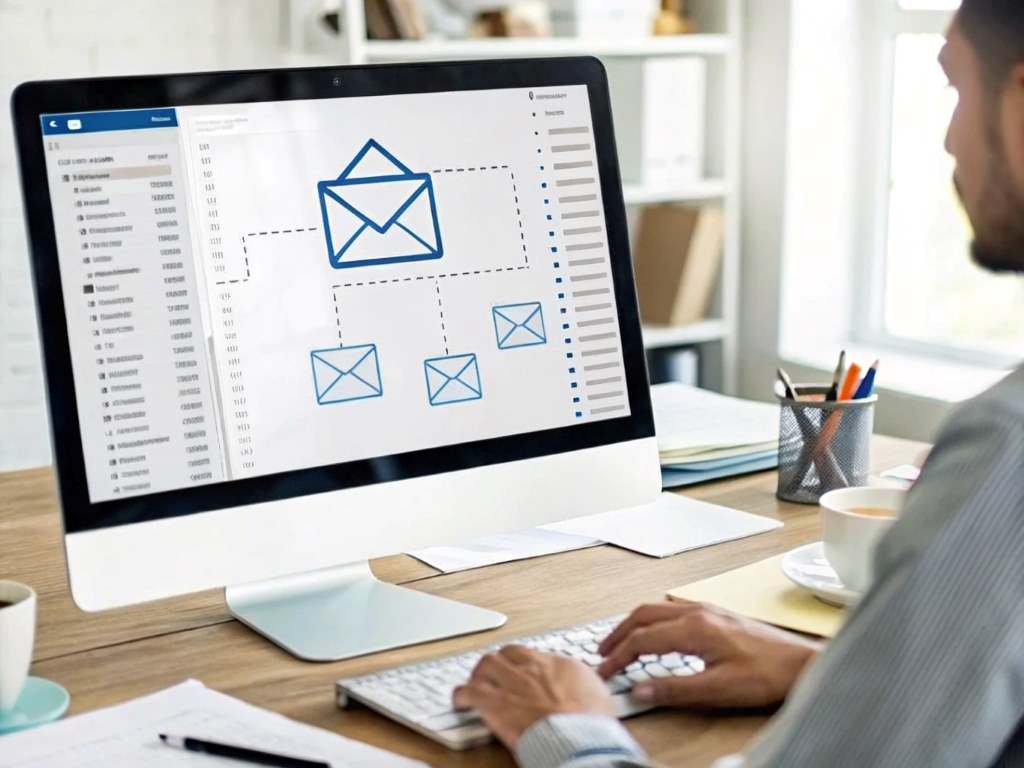
Automation saves time and enhances customer experience. By setting up email workflows, you deliver consistent messages without manual effort. For instance, automated emails can thank customers, offer product guides, or request reviews. This consistency strengthens brand trust. According to Salesforce, 74% of customers expect personalized communication, which automation delivers at scale.
Moreover, automation tracks customer behavior. Tools like Mailchimp or Klaviyo let you segment audiences based on purchases or preferences. This means tailored emails that resonate. When I automated my store’s emails, I noticed a 25% higher open rate for personalized offers. Automation also reduces errors, like forgetting to follow up. It’s cost-effective, too, as it frees up staff for other tasks. Ultimately, automating email workflows for post-purchase follow-up drives loyalty and revenue.
Key Benefits of Automation
- Saves Time: Automate repetitive tasks to focus on strategy.
- Personalized Experience: Tailor emails to customer preferences.
- Increases Engagement: Boost open rates with timely, relevant emails.
Choosing the Right Tools for Automation
Selecting the right platform is crucial for automating email workflows for post-purchase follow-up. Popular tools like Mailchimp, ActiveCampaign, and Klaviyo offer user-friendly interfaces and robust features. Each platform supports triggers, like sending a thank-you email after a purchase. Consider your business size and budget when choosing. For example, Mailchimp is great for beginners, while Klaviyo excels in e-commerce.
Additionally, ensure the tool integrates with your e-commerce platform, like Shopify or WooCommerce. This syncs customer data for seamless personalization. When I started, I used Mailchimp’s free plan to test workflows. It was simple and effective. A 2023 study by Statista found 68% of businesses use automation tools to improve customer retention. Test platforms to find the best fit, and prioritize ease of use and scalability.
Crafting Effective Post-Purchase Emails
Creating impactful emails starts with understanding your audience. Automating email workflows for post-purchase follow-up requires clear, engaging content. Start with a warm thank-you email to acknowledge the purchase. Follow with product usage tips or FAQs to add value. For example, a skincare brand might send a routine guide. Keep emails concise, with a clear call to action, like leaving a review.
Furthermore, personalize emails with customer names and purchase details. Use a friendly tone to build connection. My first automated email included a discount code, resulting in a 15% repeat purchase rate. Timing matters, too—send the first email within 24 hours. According to Campaign Monitor, emails sent within an hour of purchase have a 65% open rate. Test subject lines and content to optimize engagement.
Tips for Effective Emails
- Personalize Content: Use customer names and purchase details.
- Clear Call to Action: Encourage reviews or repeat purchases.
- Optimal Timing: Send emails promptly for maximum impact.
Setting Up Your Email Workflow
Setting up an email workflow is straightforward with the right steps. First, map out your customer journey. Identify key touchpoints, like purchase confirmation or delivery updates. Next, choose triggers for each email, such as a completed order. Most tools offer drag-and-drop editors to design workflows. For instance, Klaviyo lets you set conditions, like sending a discount after a second purchase.
Moreover, segment your audience for targeted emails. Group customers by product type or purchase frequency. When I set up my workflow, I created segments for first-time and repeat buyers. This increased click-through rates by 20%. Test your workflow to ensure emails send correctly. Monitor analytics to refine timing and content. Automation platforms provide data on opens and clicks, helping you optimize.
Measuring Success and Optimization
Tracking performance is essential for effective automation. Use metrics like open rates, click-through rates, and conversion rates to gauge success. Most platforms provide dashboards to monitor these. For example, a low open rate might mean weak subject lines. A 2024 HubSpot report found that optimized emails improve conversions by 30%. Analyze data weekly to spot trends.
Additionally, A/B test different email versions. Try varying subject lines or send times to see what works. When I tested two thank-you email designs, the one with a bold call to action performed 12% better. Adjust workflows based on findings to maximize impact. Regularly update content to keep it fresh. By tracking and tweaking, you ensure your emails stay effective and engaging.
Common Mistakes to Avoid
Automation is powerful, but mistakes can hurt results. One common error is over-emailing customers, which leads to unsubscribes. Space emails thoughtfully—perhaps one per week. Another mistake is neglecting personalization. Generic emails feel cold and reduce engagement. Always use customer data to tailor content.
Furthermore, failing to test workflows can cause issues, like broken links or wrong triggers. I once sent an email with a faulty discount code, frustrating customers. Test thoroughly before launching. Also, avoid complex designs that don’t render well on mobile. Statista notes 55% of emails are opened on mobile devices. Keep designs simple and responsive. By avoiding these pitfalls, you ensure smooth, effective automation.
Conclusion
Automating email workflows for post-purchase follow-up transforms how businesses connect with customers. It saves time, boosts loyalty, and drives sales through personalized, timely communication. My experience taught me that automation turns one-time buyers into repeat customers. With the right tools and strategies, you can create workflows that engage and delight. Research shows automation increases customer retention significantly, making it a must for any business. Start small, test often, and optimize based on data. Ready to elevate your customer experience? Share your thoughts or questions in the comments below, or spread the word by sharing this article!
FAQs
Why is post-purchase follow-up important?
It builds trust, encourages repeat purchases, and enhances customer satisfaction with timely communication.
What tools are best for automating email workflows?
Mailchimp, Klaviyo, and ActiveCampaign are top choices, offering user-friendly features and e-commerce integrations.
How often should I send post-purchase emails?
Send one to two emails per week to avoid overwhelming customers while maintaining engagement.
Can automation improve customer retention?
Yes, personalized automated emails can increase retention by 15–20%, according to McKinsey studies.
How do I measure email workflow success?
Track open rates, click-through rates, and conversions using analytics from your automation platform.